Access Guide

Your First Visit to Prime Market

Verified links, prerequisites, and a practical walkthrough — no filler.

Verified Link

Official Prime Market Mirror

This is the current verified .onion address. Always double-check the URL against multiple trusted sources before logging in. Phishing sites replicate the interface pixel-for-pixel — the URL is the only reliable differentiator.

http://primeyr5lrerg5wigkzd7qp46kaq7f2qco7tgbmdmo2bdvmiwnbixkid.onion
Phishing Warning: Never access Prime Market through links found on Reddit, Dread posts from unverified accounts, or Telegram channels. These are the most common vectors for phishing attacks.

Before You Start

Prerequisites Checklist

  • Tor Browser installed from torproject.org
  • PGP key pair generated (GnuPG or Kleopatra)
  • Cryptocurrency wallet funded (Monero recommended, Bitcoin accepted)
  • Unique username and strong password ready (not reused from other services)
  • JavaScript disabled in Tor Browser (Security Level set to "Safest")
  • VPN active if you need to hide Tor usage from your ISP (optional)

Walkthrough

Step-by-Step Access

1. Install and Configure Tor Browser

Download Tor Browser exclusively from the official Tor Project website. After installation, open Tor Browser and go to Settings → Privacy & Security. Set the Security Level to "Safest" — this disables JavaScript, which eliminates an entire class of de-anonymization attacks.

Why "Safest" mode? Malicious onion sites can use JavaScript to fingerprint your browser, extract your real timezone, screen resolution, or even exploit browser vulnerabilities. Disabling JS is the single most impactful security setting.

2. Navigate to Prime Market

Paste the verified .onion address into Tor Browser's address bar. The connection will route through the Tor network — expect 3-8 seconds of loading time. This is normal for onion services.

Once the page loads, verify you see the official Prime Market logo and login form. Check the URL bar again — it should exactly match the address above, character by character.
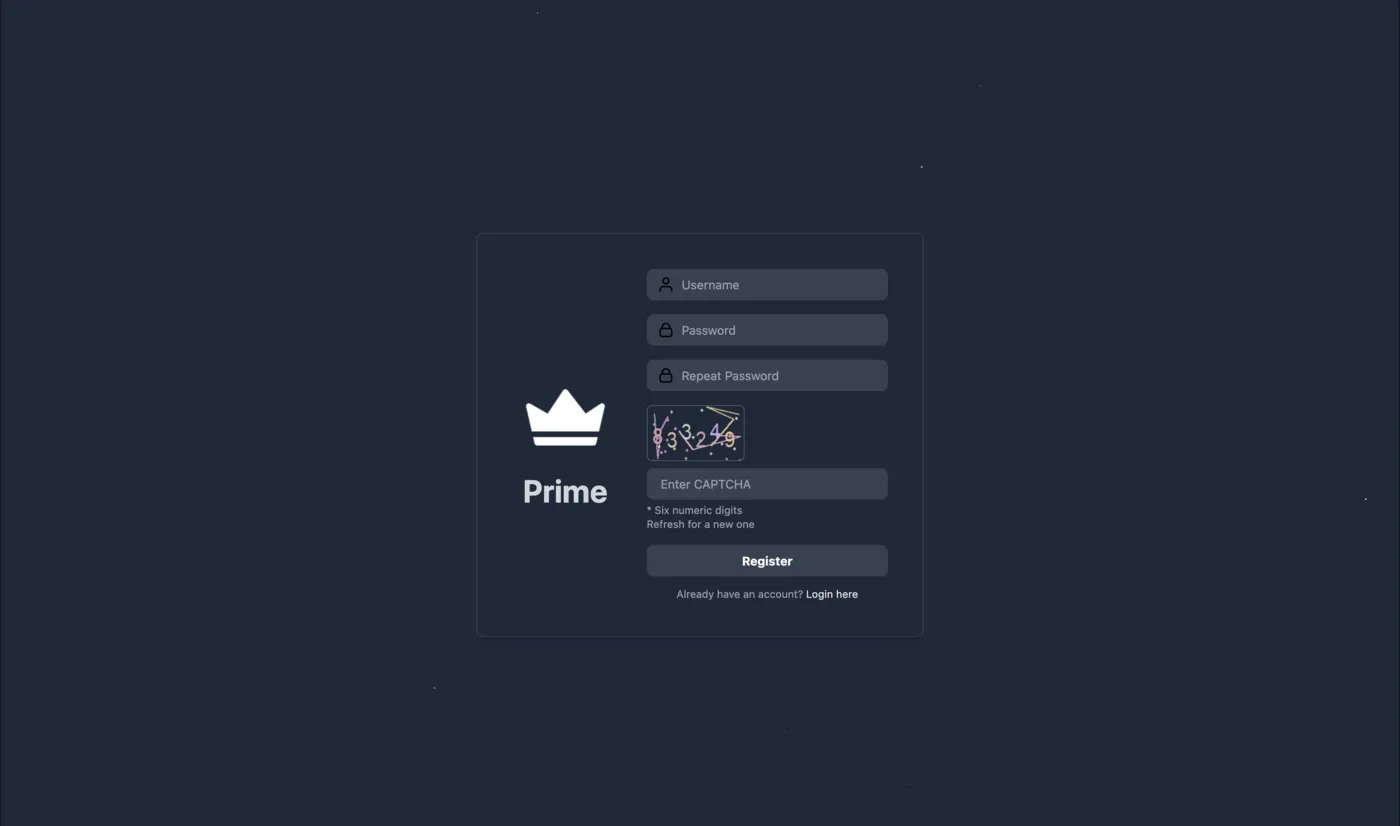
Prime Market Registration Page
The official registration page. Note the URL in the address bar matches the verified .onion link.

3. Create Your Account

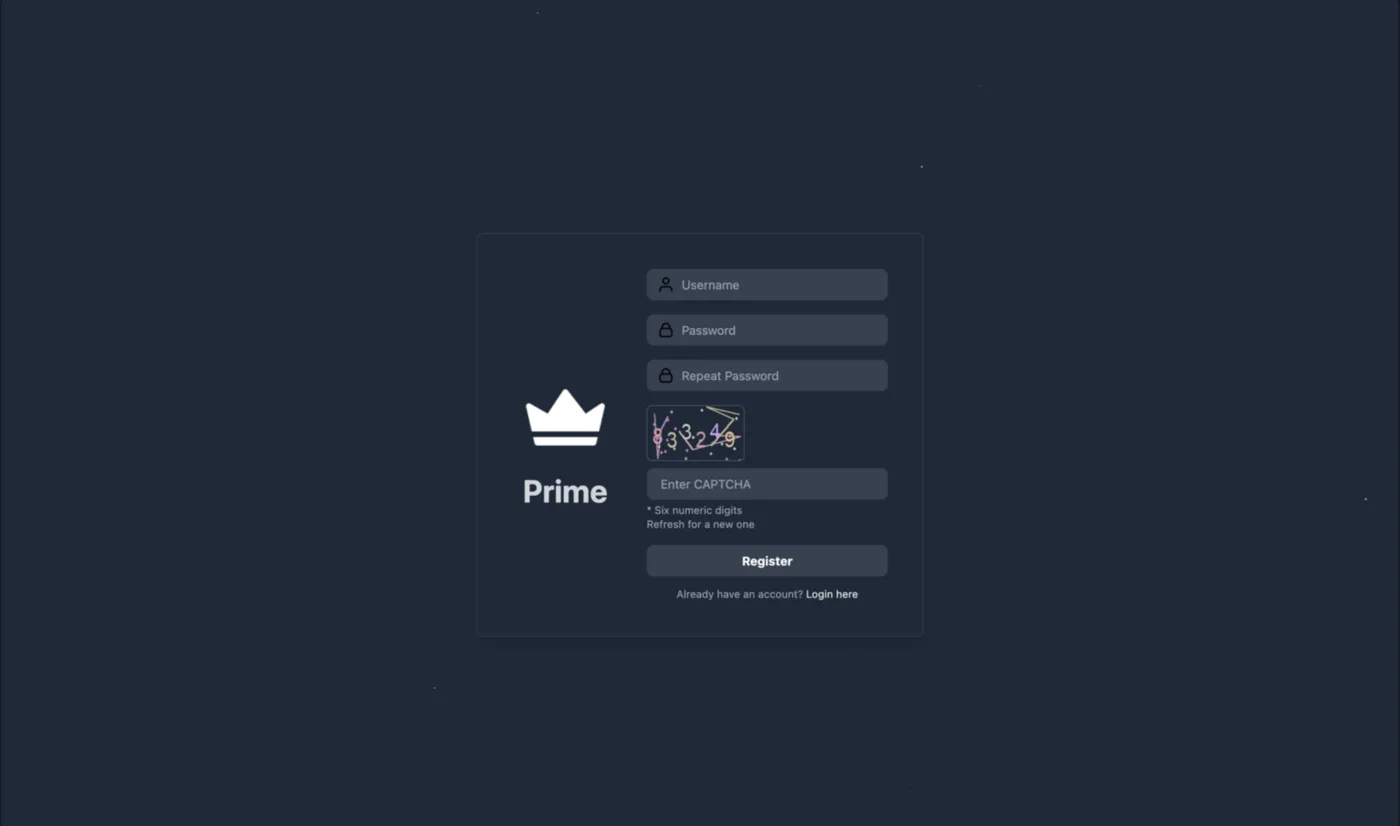
Click "Register" and fill in your chosen username and password. You'll need to complete a CAPTCHA to prove you're not a bot. Important considerations:
  • Username: Don't reuse a username from any other platform. This is one of the most common OPSEC mistakes — linking identities across services.
  • Password: Use a generated password from KeePassXC or similar. Minimum 20 characters with mixed case, numbers, and symbols.
  • PGP Key: After registration, immediately upload your public PGP key in account settings. This enables encrypted messaging and can be used for account recovery.
  • 2FA PIN: Set a 6-digit PIN that will be required at each login. Store it in your password manager.
Registration Form
Account creation form with CAPTCHA verification and username uniqueness check.

4. Fund Your Wallet

Navigate to Account → Wallet to find your deposit addresses. Prime Market generates unique deposit addresses for each user to prevent address reuse.

For Monero: Send from your personal Monero wallet (Feather Wallet or official Monero GUI). Deposits typically confirm in 10-20 minutes (10 confirmations required).

For Bitcoin: Use a wallet with Tor proxy support (Electrum, Wasabi, or Sparrow). Consider using CoinJoin before depositing to break transaction history links. Deposits require 2-3 confirmations.

Important: Never deposit cryptocurrency directly from a centralized exchange (Binance, Kraken, Coinbase) to the marketplace. Exchange withdrawals are linked to your verified identity, creating a direct trail from your real name to the platform. Always transfer through an intermediary personal wallet first — ideally a Monero wallet, since Monero transactions are private by default and break any on-chain link to the exchange withdrawal.

5. Browse and Order

Once funded, you can browse categories, search for specific products, and evaluate vendors by their rating, order count, and dispute history. Before placing an order:
  • Check the vendor's profile — look at recent reviews, not just overall rating
  • Encrypt your shipping address with the vendor's PGP key before pasting it into the order form
  • Choose escrow (standard or multisig) rather than Finalize Early, especially for first-time purchases
  • After delivery, confirm the order to release funds and leave an honest review
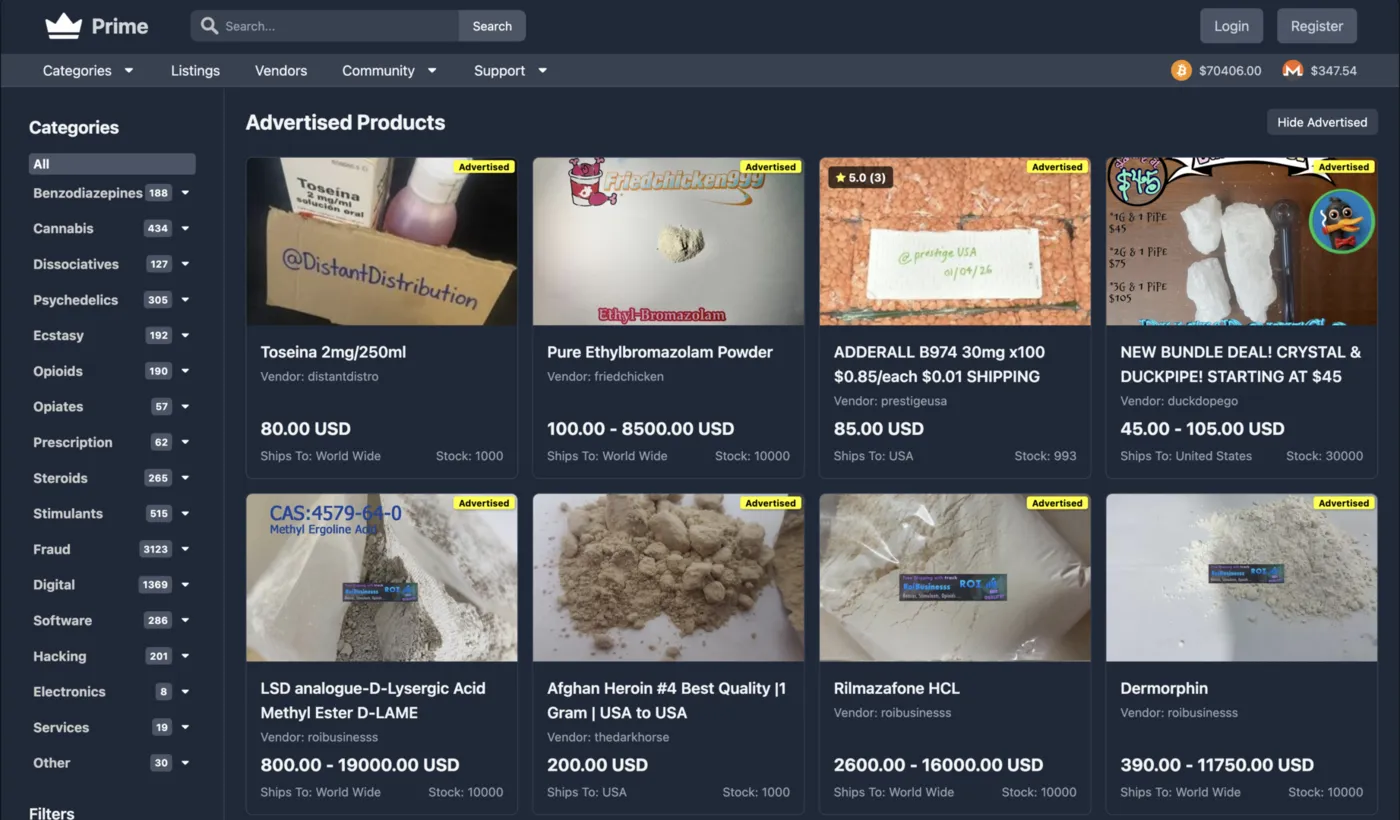
Product Listings
Featured listings with vendor trust scores, pricing in BTC/XMR, and shipping region indicators.

Safety

Common Mistakes to Avoid

Don't

Reuse usernames or passwords

If the same username exists on a forum that gets breached, it creates a link between your anonymous and real identities.

Don't

Send unencrypted addresses

Your shipping address in plaintext means it's readable by anyone with database access — including law enforcement during a seizure.

Don't

Use marketplace on public WiFi

Even with Tor, public networks can run captive portals that inject scripts or monitor DNS patterns.

Don't

Finalize Early for new vendors

FE removes escrow protection. Only consider it for Level 3+ vendors you've successfully ordered from before.


Account Security After Registration

Once your account is created, take a few minutes to harden it. Navigate to Account → Settings and verify that your PGP public key is uploaded, your 2FA PIN is active, and your recovery mnemonic phrase is securely stored offline. Consider using a dedicated password manager like KeePassXC — stored on an encrypted volume — to manage your marketplace credentials separately from your everyday passwords.

Strengthen Your Setup

Read Privacy Lab for in-depth guides on Tor, PGP, Monero, and full OPSEC stack configuration.

Privacy Lab →